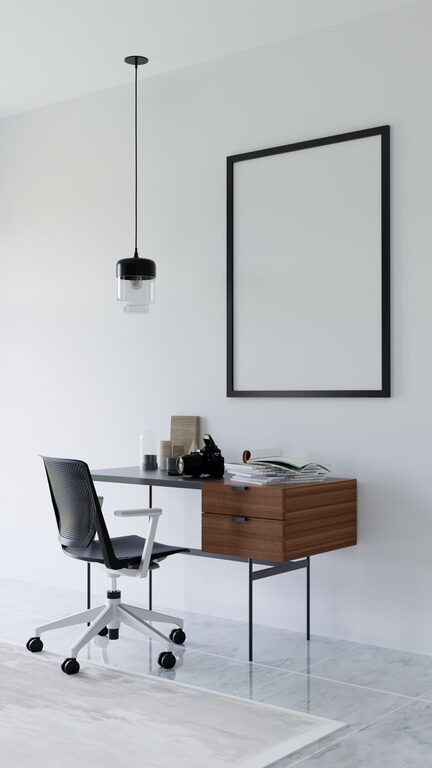
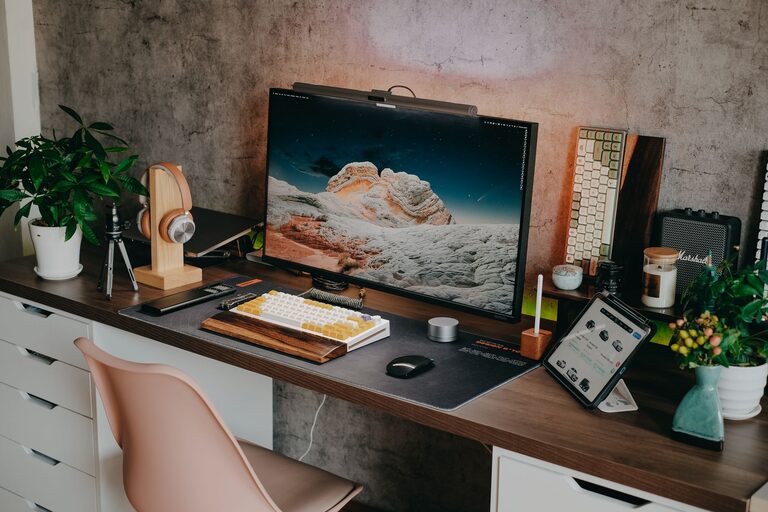
A cluttered or uninspiring workspace can drag down your motivation and productivity. But refreshing your workspace doesn’t have to take hours or cost a fortune. With just ten minutes, you can create a cleaner, more inviting environment that helps you focus and feel energized throughout your day. Whether you work from home or in an office, these quick and easy steps will give your workspace a fresh feel.
Why Refresh Your Workspace?
Your workspace directly impacts how you work. A neat and well-organized area reduces distractions and saves time searching for items. Adding a personal touch or a bit of greenery can improve your mood and creativity. Taking just a few minutes regularly to refresh your workspace helps maintain a pleasant and functional environment.
—
The 10-Minute Workspace Refresh Plan
Here’s a straightforward plan to transform your workspace quickly:
1. Clear the Surface (2 minutes)
Start by removing everything from your desk or work surface. Put away any unrelated items like dishes, papers, or gadgets you don’t need. Wipe down the surface with a damp cloth to remove dust and grime. This instantly brightens your workspace and makes it inviting.
2. Organize Essentials (3 minutes)
Sort through what you removed and only return the essentials—your computer, a notebook, pens, and any immediate work materials. Use desk organizers or small containers if you have them, or simply group items neatly. Keeping your workstation minimal helps keep your mind clear.
3. Tidy Your Cables (1 minute)
Tangled cables are both frustrating and unsightly. Spend a minute untangling and arranging them neatly. Use cable ties, clips, or twist ties if you have them handy. This simple step reduces clutter and prevents accidents.
4. Add a Touch of Greenery (1 minute)
Plants improve air quality and add a calming element. Place a small potted plant or a succulent within sight. Even a single leaf in a glass jar can brighten your workspace. If you don’t have plants, consider a fresh flower or a photo of nature.
5. Adjust Lighting (1 minute)
Good lighting reduces eye strain and boosts alertness. Shift your desk closer to a window for natural light if possible or turn on a desk lamp. Using soft, warm light creates a cozy atmosphere, while bright light helps keep you alert.
6. Personalize Thoughtfully (1 minute)
Add one or two meaningful items like a photo, a motivational quote, or an inspiring object. Avoid overcrowding; one thoughtful piece can lift your mood without distracting you.
7. Refresh Air and Ambiance (1 minute)
Open a window to let in fresh air or use a subtle diffuser for a light scent like lavender or peppermint. Fresh air and pleasant aromas can reduce stress and increase focus.
—
Extra Tips for Maintaining a Fresh Workspace
– Daily Quick Clean-Up: Spend 2-3 minutes at the end of each day putting things away to prevent buildup.
– Weekly Deep Declutter: Once a week, spend 10-15 minutes going through papers or supplies to discard what you don’t need.
– Use Vertical Space: Add shelves or organizers to keep your desktop clear.
– Digital Declutter: Don’t forget your computer desktop! Remove unused icons and organize files regularly.
– Stay Mindful: Notice what distracts you and adjust your setup accordingly.
—
Conclusion
Refreshing your workspace doesn’t require a major overhaul or a big time investment. With just ten minutes and a few simple steps, you can create an environment that supports your productivity and well-being. Make these quick refreshes part of your routine and enjoy a workspace that feels inspiring and welcoming every day.