
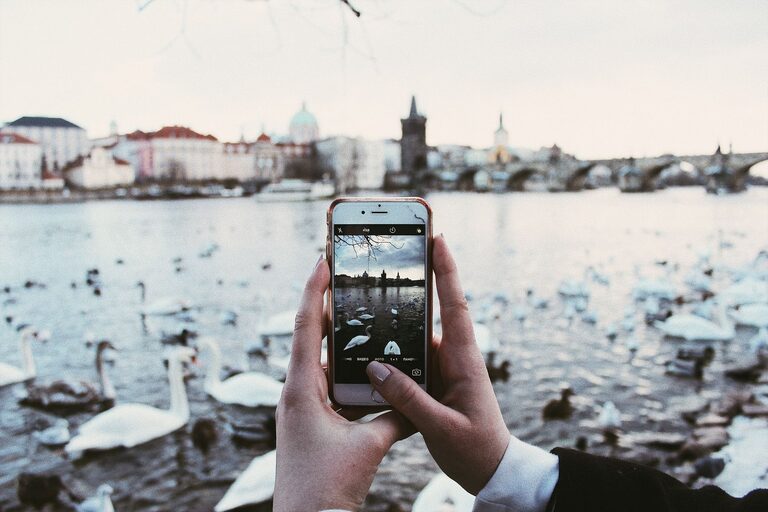
Taking great photos with your phone is easier than ever thanks to advances in camera technology. Whether you’re capturing family moments, scenic views, or artistic shots, a few beginner-friendly tips can help you get better results. This guide will walk you through simple techniques and settings that will elevate your phone photography skills quickly. Let’s dive in!
Understanding Your Phone Camera
Before snapping photos, it’s helpful to know what your phone camera can do. Most smartphones come with multiple lenses, automatic settings, and built-in editing tools.
– Explore camera modes: Try different modes like Portrait, Panorama, or Night mode depending on the scene.
– Learn basic controls: Focus, exposure, and white balance are key elements that impact the final image.
– Check your resolution: Use the highest photo resolution for sharper images, usually found in your camera settings.
Basic Tips for Better Phone Photos
1. Clean Your Lens
It sounds simple, but a clean lens is essential. Phones go everywhere, and fingerprints or dust can blur your photos. Use a microfiber cloth to wipe the lens before shooting.
2. Use Natural Light
Lighting makes or breaks a photo. Whenever possible, use natural light—early morning or late afternoon light (called golden hour) gives a warm, soft glow that’s perfect for pictures. Avoid harsh midday sun, which creates unwanted shadows.
3. Hold Your Phone Steady
Blurred images often come from shaky hands. Hold your phone with both hands and keep your elbows close to your body. You can also rest your phone on a stable surface or use a tripod for added stability.
4. Focus on Composition
Good composition draws attention to the subject. Here are some easy ways to improve it:
– Rule of thirds: Imagine a grid dividing your frame into nine equal parts. Position your subject along these lines or at their intersections.
– Leading lines: Use natural lines like roads, fences, or bridges to guide the viewer’s eye.
– Fill the frame: Get closer to your subject to capture more detail and reduce distracting backgrounds.
5. Avoid Digital Zoom
Digital zoom reduces image quality by cropping and enlarging the photo. Instead, move closer to your subject if you can. If your phone has optical zoom lenses, use those for better clarity.
Using Phone Camera Features Effectively
1. Manual Focus and Exposure
Most phones allow you to tap on the screen to focus on a specific area. Once focused, you can often adjust exposure by sliding your finger up or down. This controls how bright or dark your photo is.
2. Experiment with HDR Mode
HDR (High Dynamic Range) helps balance bright and dark areas in a photo. It’s useful when you’re shooting scenes with strong contrasts, like sunsets or backlit subjects.
3. Use Burst Mode for Action Shots
Burst mode captures multiple photos in quick succession. This increases your chances of getting the perfect shot when photographing moving objects or people.
4. Try Different Angles
Don’t just shoot straight on. Change your perspective by getting low to the ground, shooting from above, or tilting your phone slightly. Creative angles make photos more interesting.
Basic Editing Tips for Phone Photos
Editing is part of the photography process. Most phones have built-in editors that let you:
– Crop and straighten: Fix framing and alignment.
– Adjust brightness and contrast: Enhance details and lighting.
– Boost colors: Increase saturation or vibrance for a lively look.
– Apply filters: Use filters sparingly to avoid over-processing.
For more advanced editing, free apps like Snapseed or VSCO offer greater control and creative options.
Practice and Patience Are Key
Improving your phone photography takes practice. Don’t be discouraged if your first few shots aren’t perfect. Try different settings, experiment with light and composition, and review your photos to learn what works best.
Over time, you’ll develop an eye for capturing beautiful images with just your phone.
Final Thoughts
Your phone camera is a powerful tool that, with a bit of knowledge and creativity, can deliver stunning photographs. By understanding your device’s features, paying attention to light and composition, and practicing regularly, you’ll see noticeable improvements in your photos. So grab your phone and start exploring the world through your lens!
Happy shooting!