
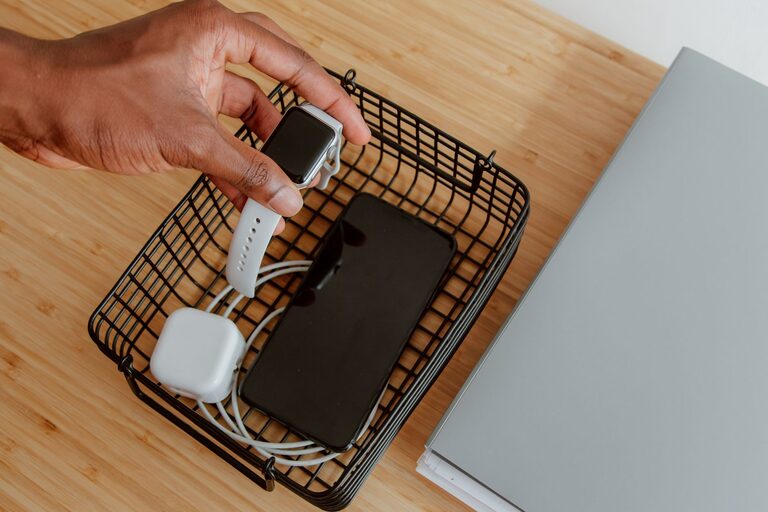
Setting up a dedicated charging station for your devices is a smart way to keep your home or office organized and ensure all your gadgets are charged and ready when you need them. Whether you have smartphones, tablets, laptops, or other rechargeable devices, a charging station helps prevent clutter, reduces cable chaos, and promotes efficiency.
In this guide, we’ll walk you through the steps to create your own charging station, from choosing the right location and equipment to organizing cables and maintaining safety.
Why Create a Charging Station?
Before diving into the setup process, let’s consider why a charging station is beneficial:
– Organization: Keeps all devices and cords in one place.
– Convenience: Makes charging simple and fast, especially for busy households.
– Safety: Reduces the risk of trip hazards and prevents cords from tangling or fraying.
– Aesthetics: Eliminates messy cables and gadgets scattered around.
With these benefits in mind, here’s how to get started.
Step 1: Choose the Location
The first step is to find a practical and accessible spot for your charging station.
Factors to consider:
– Power outlets: Ensure there are enough power sockets nearby.
– Ventilation: Electronic devices can get warm while charging, so choose a well-ventilated area.
– Accessibility: Pick a spot where everyone who needs to use the charging station can easily reach it.
– Surface: Select a flat, stable surface such as a desk, shelf, or small table.
Common locations include living room side tables, a kitchen counter corner, or a dedicated space in your home office.
Step 2: Gather the Right Equipment
Now that you have a spot, collect the necessary items for your station.
Essential items:
– Power strip or surge protector: Choose one with multiple outlets and USB ports for flexible charging.
– Charging cables: Have cables compatible with all your devices (e.g., USB-C, Lightning, Micro-USB).
– Charging docks or stands: Optional but helpful for keeping devices upright and accessible.
– Cable organizers: Clips, ties, or sleeves to manage cords neatly.
– Storage container or tray: To hold small devices, chargers, or accessories.
When buying power strips, consider models with built-in protection against overloads or surges to safeguard your devices.
Step 3: Organize Your Cables and Devices
Cable management is key to an effective charging station. Without it, cables can quickly become tangled and messy.
Tips for cable organization:
– Label cables: Use small tags or colored tape to identify which cable goes with each device.
– Use cable ties or clips: Bundle excess cable length and secure cables to avoid tangling.
– Separate cable types: Group similar cables together for easier access.
– Keep devices elevated: Use stands or docks to prevent scratching surfaces and make devices visible.
By organizing cables upfront, you save time and reduce frustration.
Step 4: Set Up Your Charging Station
With your equipment ready and cables sorted, it’s time to assemble everything.
- Plug the power strip into the wall outlet.
- Arrange the charging cables, plugging them into the power strip or its USB ports.
- Position your devices on stands or charging docks if you have them.
- Use cable clips to secure cords along the back or underside of the surface to keep them out of sight.
- Place smaller items like earbuds or power banks in a container or tray nearby.
Make sure cables are not stretched tight and devices sit comfortably without risk of falling.
Step 5: Maintain Your Charging Station
To keep your station efficient and safe over time, regular maintenance is important.
– Check cables for wear: Replace any frayed or damaged cords immediately.
– Declutter occasionally: Remove devices or accessories you no longer use.
– Dust and clean: Wipe down surfaces to prevent dust buildup.
– Test power sources: Ensure outlets, power strips, and surge protectors function properly.
By maintaining your setup, you prolong the life of your devices and keep your space tidy.
Additional Tips
– Consider wireless charging: If your devices support it, adding wireless charging pads can reduce cable clutter.
– Limit charging time: Avoid leaving devices charging overnight to preserve battery health.
– Use energy-efficient chargers: They consume less power, saving energy.
Conclusion
Setting up a charging station doesn’t have to be complicated. With a little planning and simple tools, you can create a neat and functional space for all your devices. This not only streamlines your daily routines but also protects your gadgets and keeps your home organized.
Start by choosing the perfect spot, gather your equipment, organize cables, and enjoy the convenience of a dedicated charging area. Your devices—and your space—will thank you!